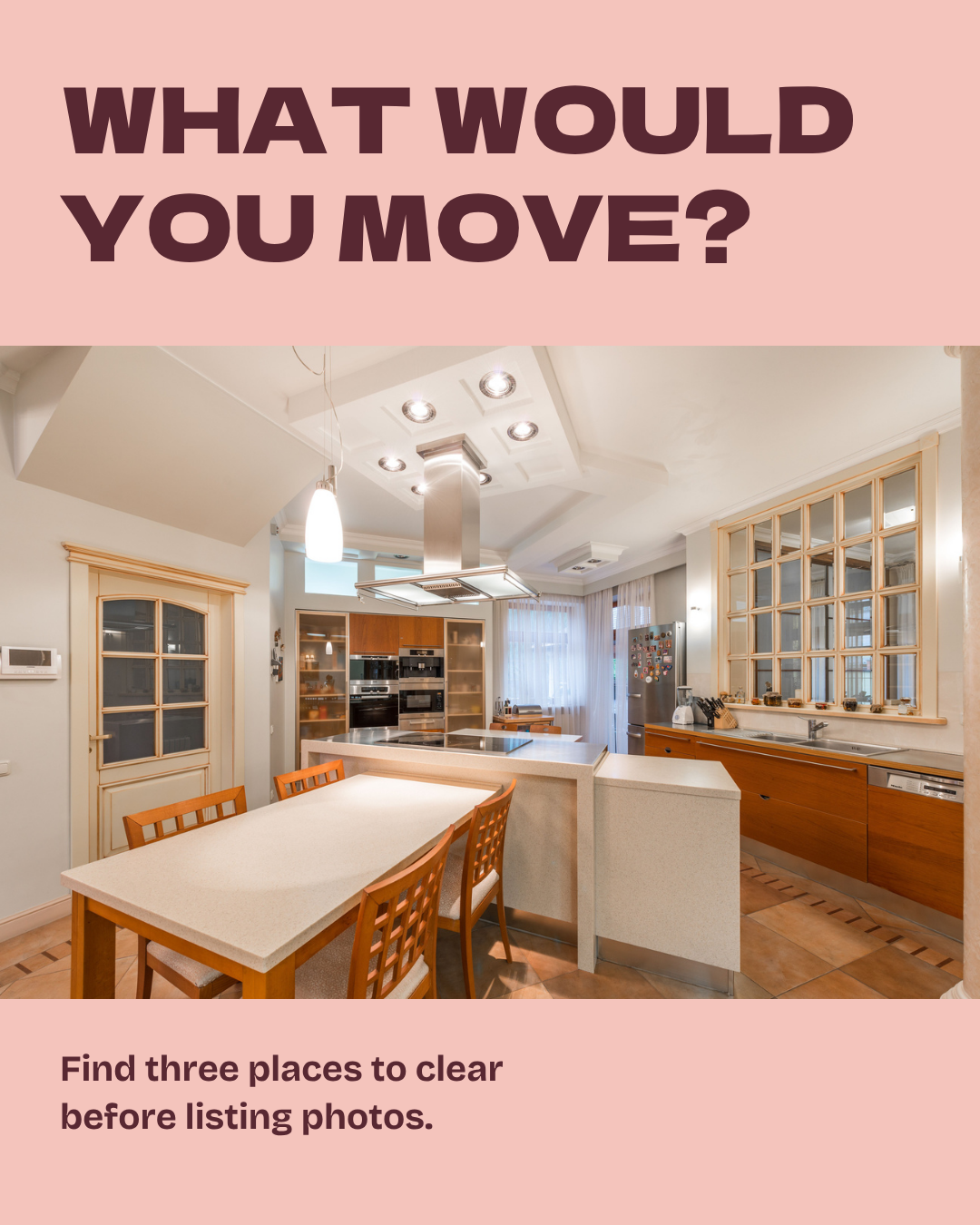
What would you move?
A photo-day spot check for sellers.
A Canva account is required to make your copy.

The five-slide carousel


Photo by Max Vakhtbovych on Pexels. An illustrative example, not a property listing.
Your caption.
Replace the bracketed fields with your name, brokerage and required attribution.
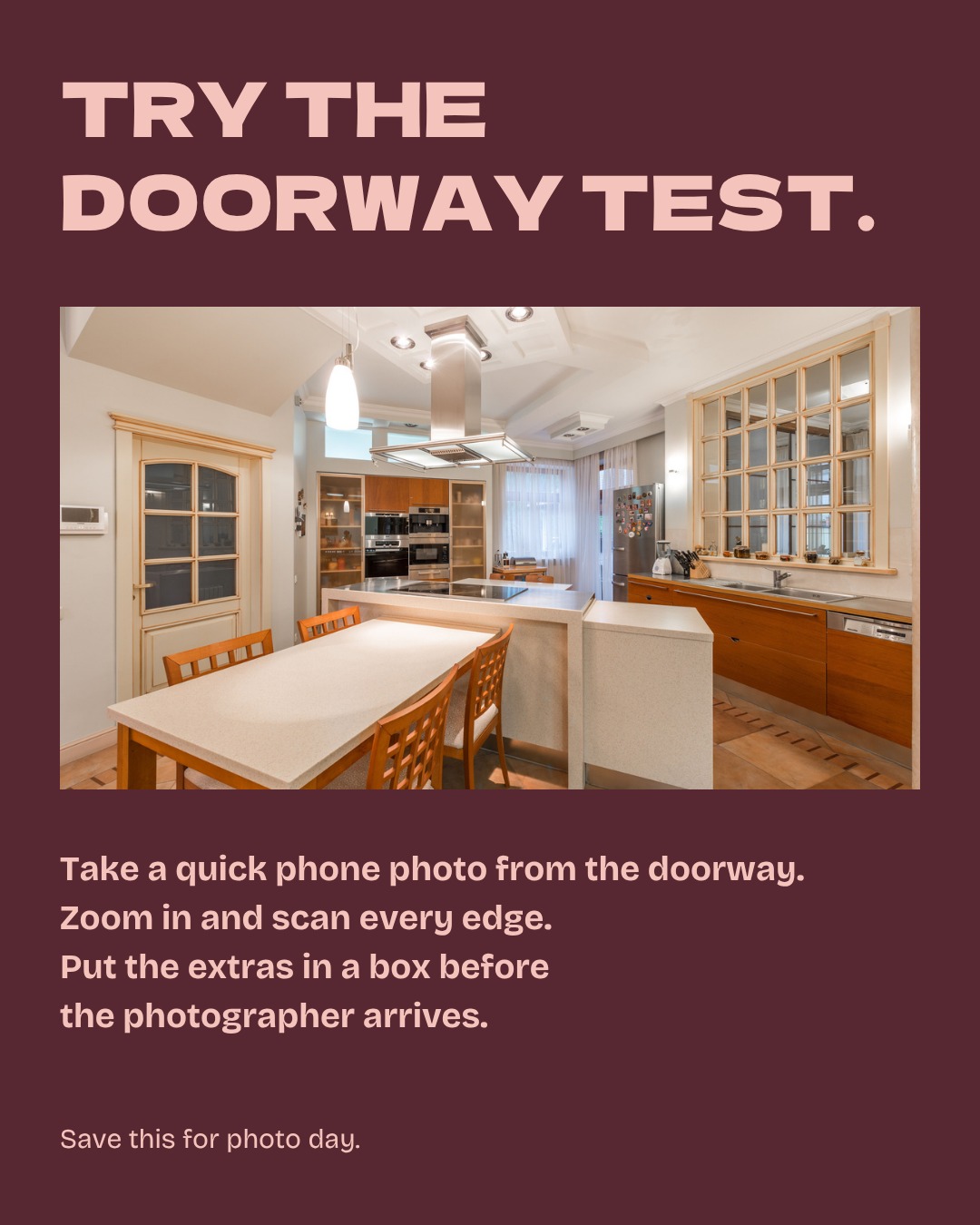
Try this before your listing photographer arrives. Stand in the kitchen doorway and take a phone photo. Zoom in on the counters, fridge and windowsill.
Put the small appliances, magnets and extra jars in one box. Keep it with you as the photographer moves through the house so the same items do not reappear in another shot.
Save this for photo day.
Photo example by Max Vakhtbovych on Pexels.
[Your Name] | [Brokerage]
[Required license or listing attribution]
Edit the advice, colors and type in Canva. Use authorized photos. If you change the photos or words, update the alt text and photo credit to match. Export all five slides in order, check every placeholder and read them on your phone before posting.
Slide alt text.
Slide 1
What would you move? A real kitchen with small appliances on the counter, magnets on the fridge and jars along the windowsill. Find three places to clear before listing photos.
Slide 2
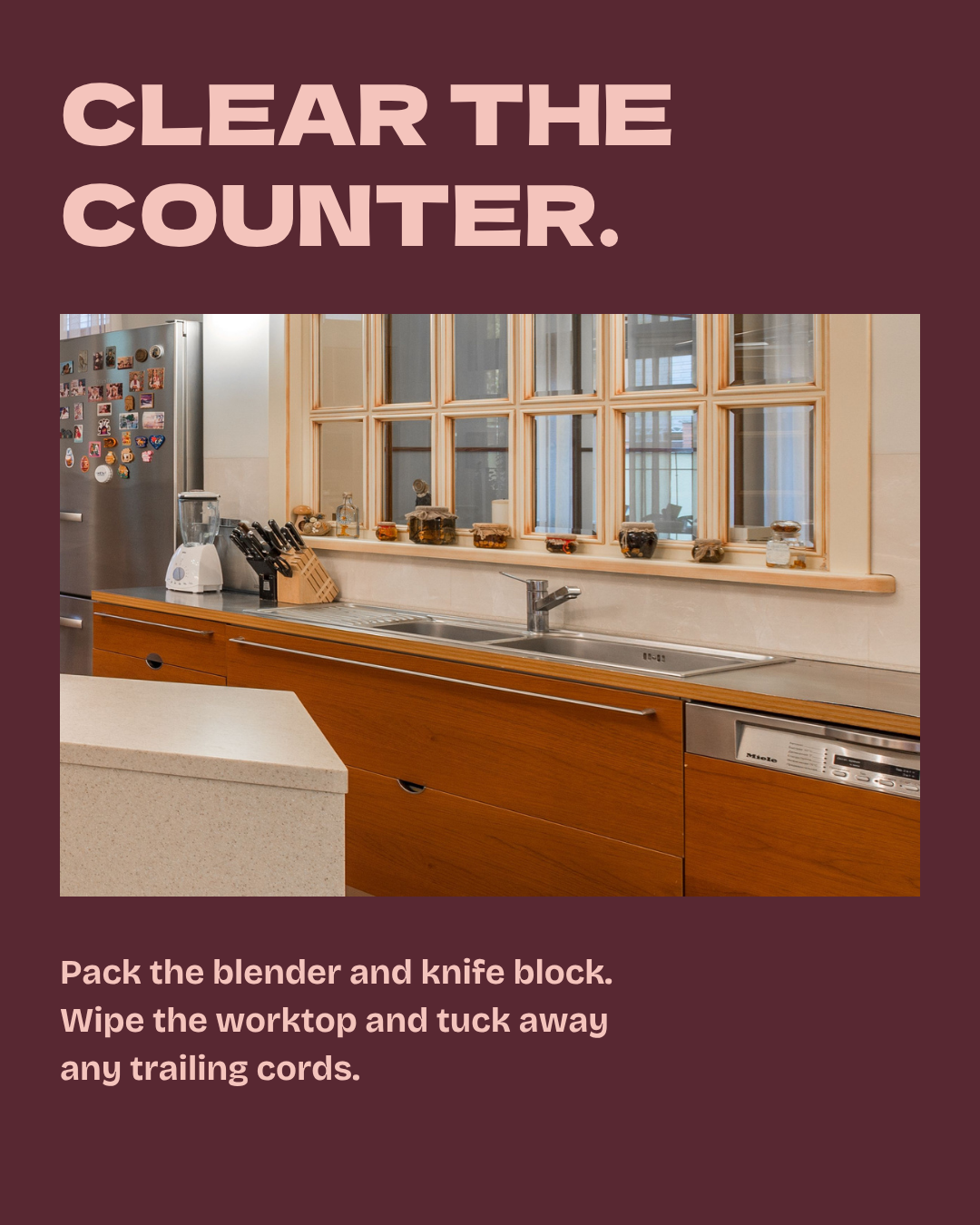
Clear the counter. A close crop of the same kitchen shows a blender and knife block beside the sink. Pack these, wipe the worktop and tuck away any trailing cords.
Slide 3
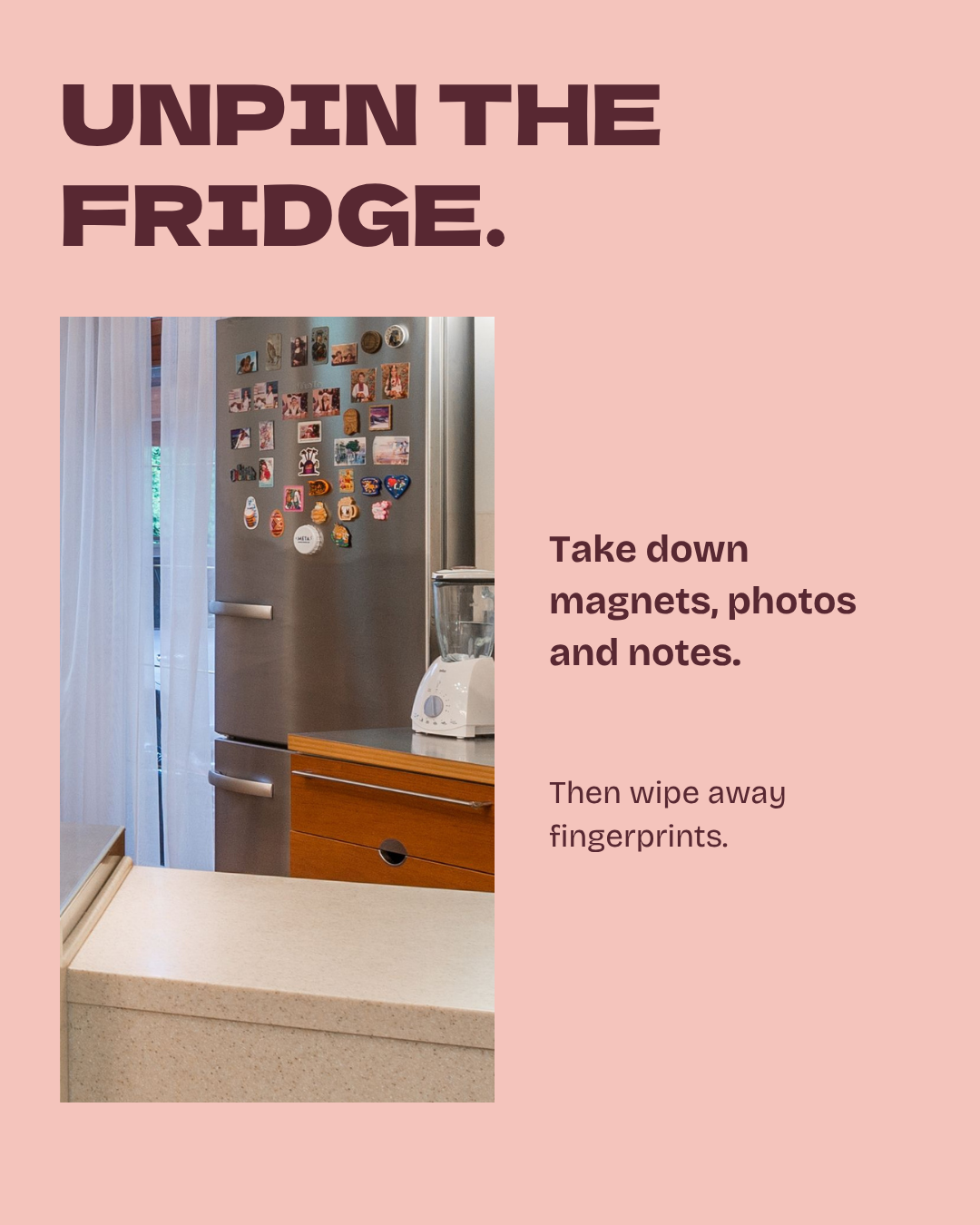
Unpin the fridge. A tall close crop reveals the fridge covered with souvenir magnets. Take down magnets, photos and notes, then wipe away fingerprints.
Slide 4
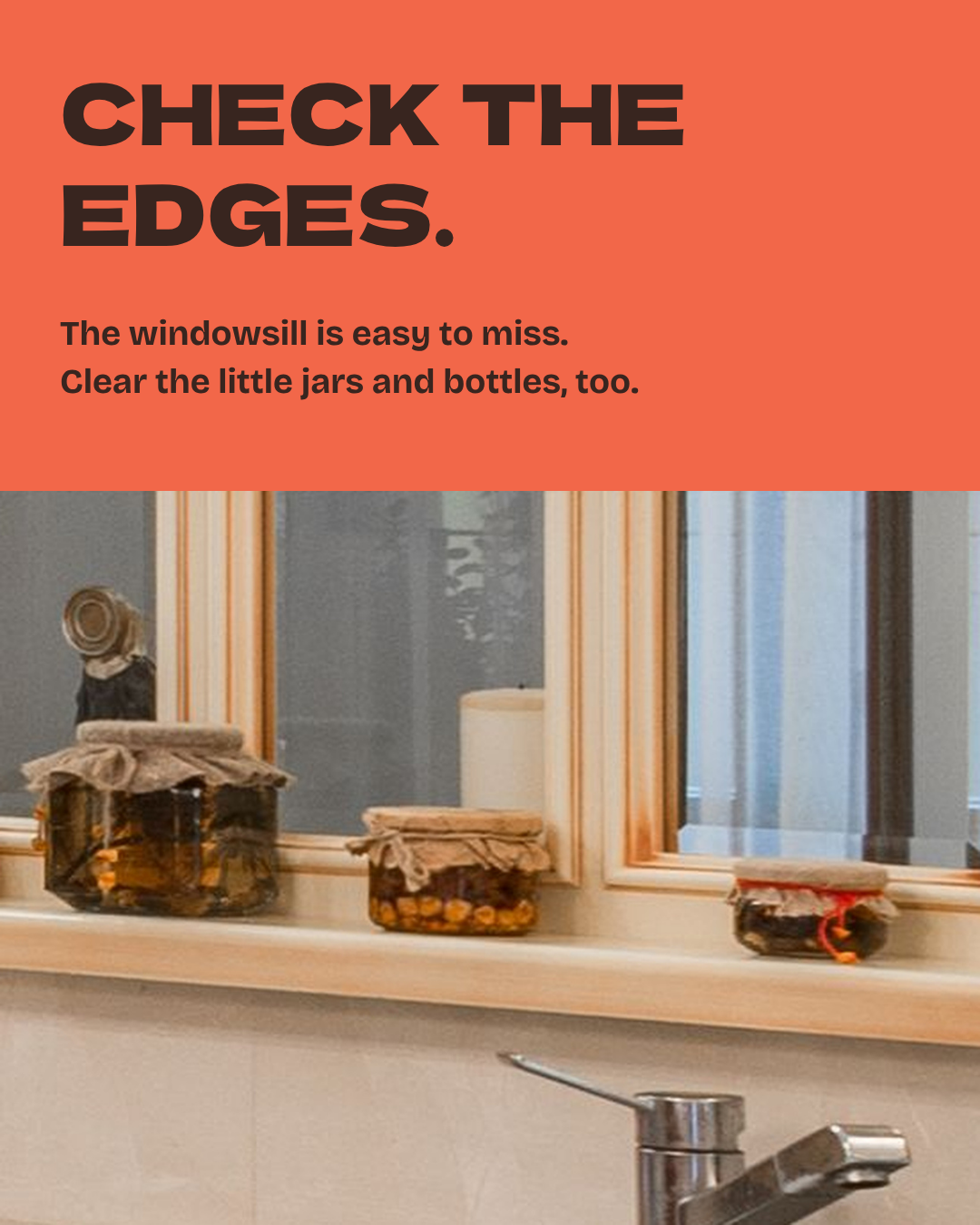
Check the edges. A close crop of the kitchen windowsill focuses on a few jars and their ledge. The windowsill is easy to miss. Clear the little jars and bottles, too.
Slide 5
Try the doorway test. The full kitchen returns. Take a quick phone photo from the doorway, zoom in and scan every edge, then put the extras in a box before the photographer arrives. Save this for photo day.
Individual files.
Membership.
Five new member templates every Monday, with captions and alt text.
Membership also includes the Story pack, highlight and profile kit, animated stickers, prompt pack and member workspace.
$50 a month. Cancel any time.
Online joining isn’t open yet. Email Randi to hear first.